
Money
Vera Editorial
·

Your Android smartphone is much more than a device for scrolling through social media or taking photos; it is a powerful financial tool that can help you generate, manage, and transfer wealth. We have fully entered the era of the mobile digital economy, where earning an extra income and handling your finances can be done entirely from the palm of your hand.
Whether you are looking to start a new side gig, earn rewards on everyday purchases, or seamlessly manage your digital wallet, the Google Play Store is packed with opportunities. In this comprehensive guide, we will explore the best money making apps available for Android, alongside top-tier solutions for managing, spending, and protecting your digital cash.

Transforming Your Smartphone: Earning on the Go
The concept of generating income through your phone has evolved significantly over the last few years. Today, there are countless ways to boost your bank account using specialized applications.
1. Side Hustle and Gig Economy Apps
If you want to actively trade your free time for extra cash, side hustle apps are the perfect starting point. Applications like Uber, DoorDash, and TaskRabbit allow you to set your own hours and earn money by driving, delivering groceries, or completing local errands. These platforms have revolutionized the gig economy, providing flexible earning opportunities directly through your Android device.
2. Rewards and Cash-Back Platforms
For those who prefer a lower-effort approach, traditional cash apps and reward platforms offer a simple way to earn. Apps like Rakuten, Swagbucks, and Ibotta give you cash back for shopping at your favorite stores, scanning receipts, or watching promotional videos. While these won’t replace a full-time income, they act as excellent supplementary financial apps that put money back into your wallet for doing things you already do.
3. Passive Earning and Investments
Building wealth effortlessly is the ultimate goal for many, which is where passive income apps come into play. Applications that automatically invest your spare change (like Acorns) or rent out your unused internet bandwidth (like Honeygain) require minimal setup. Once configured, they run quietly in the background, slowly accumulating funds.
4. App Development and Monetization
For the tech-savvy and creative individuals out there, you do not just have to be a consumer. You can actually make money from making apps. By developing simple Android tools, games, or utility applications and publishing them on the Google Play Store, you can generate significant revenue through ad placements, premium downloads, or in-app purchases.
Navigating the Financial Ecosystem: Managing Your Income
Once you start accumulating funds from various gigs and reward programs, you need a reliable place to store and manage that wealth. The best money apps act as a centralized hub for all your digital transactions, effectively replacing or supplementing traditional banking.
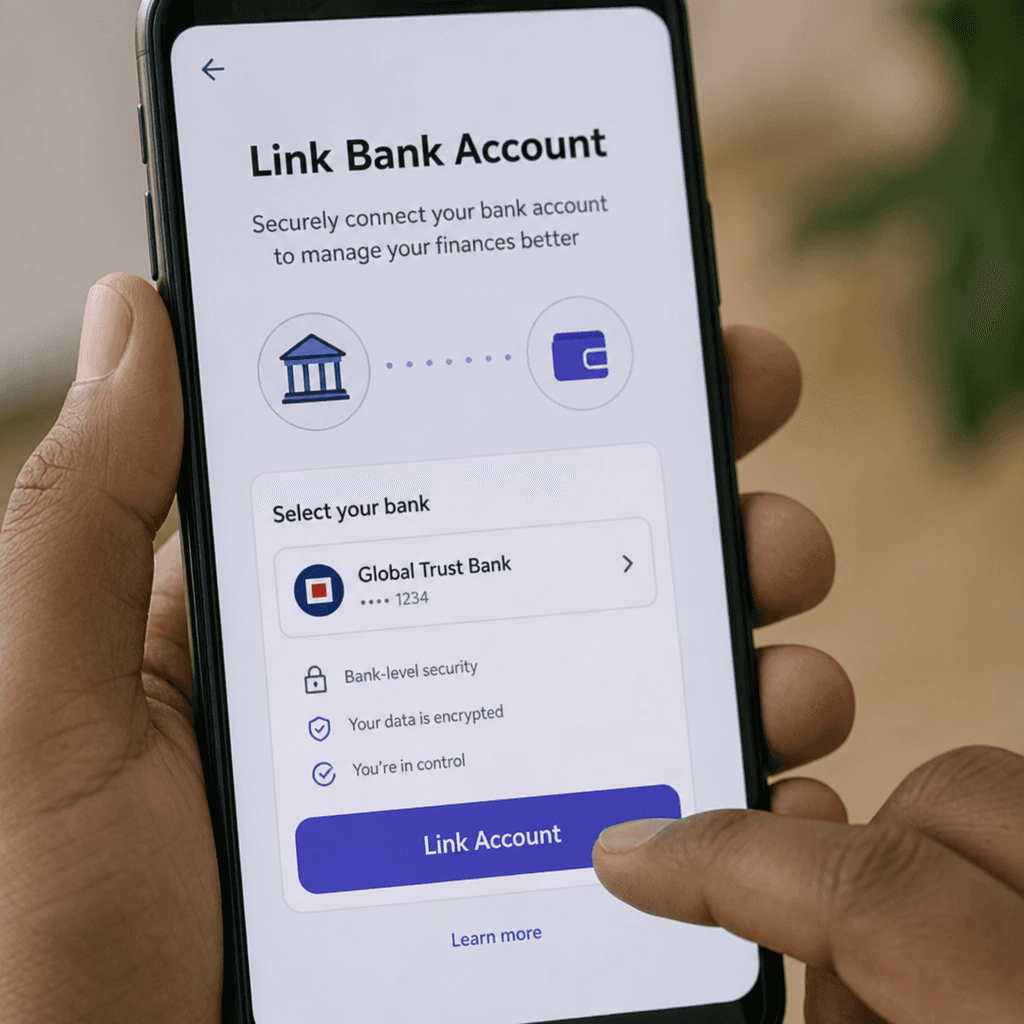
Setting up your mobile financial ecosystem is surprisingly simple. The first and most crucial step is linking bank account to mobile payments. By securely connecting your primary checking or savings account to your digital wallet, you create a seamless bridge between your traditional fiat money and your digital earnings. This integration allows you to pull funds to pay for services or push your newly earned side-hustle cash directly into your bank.
Seamless Transfers: Sending and Receiving Digital Cash
One of the greatest conveniences of modern digital wallets is the ability to move money instantly. If you have ever wondered how to send money instantly on mobile, the process is now as simple as sending a text message.
The Rise of Peer-to-Peer Payments
When it comes to sharing expenses, you need reliable tools. Exploring the best peer-to-peer payment alternatives—such as Venmo, Zelle, PayPal, and Cash App—gives you flexibility depending on what your social circle uses. These platforms have made awkward conversations about money a thing of the past.
Here are a few ways P2P apps simplify daily life:
Splitting bills with friends digitally: Whether it is a shared dinner, a joint birthday gift, or monthly rent, you can divide the exact costs down to the penny.
Requesting money from someone via smartphone: If a friend forgets their wallet, you can cover the tab and immediately send an in-app request for their half of the bill. It serves as a polite, trackable reminder.
Understanding Transfer Rules and Limits
While these apps are highly convenient, it is important to be aware of person-to-person transfer limits. To comply with financial regulations and prevent money laundering, most digital wallets impose daily, weekly, or monthly limits on how much cash you can send or receive. Unverified accounts typically have lower limits. By verifying your identity with a government-issued ID, you can usually raise these caps significantly.
Moving Money Across Borders and Understanding Fees
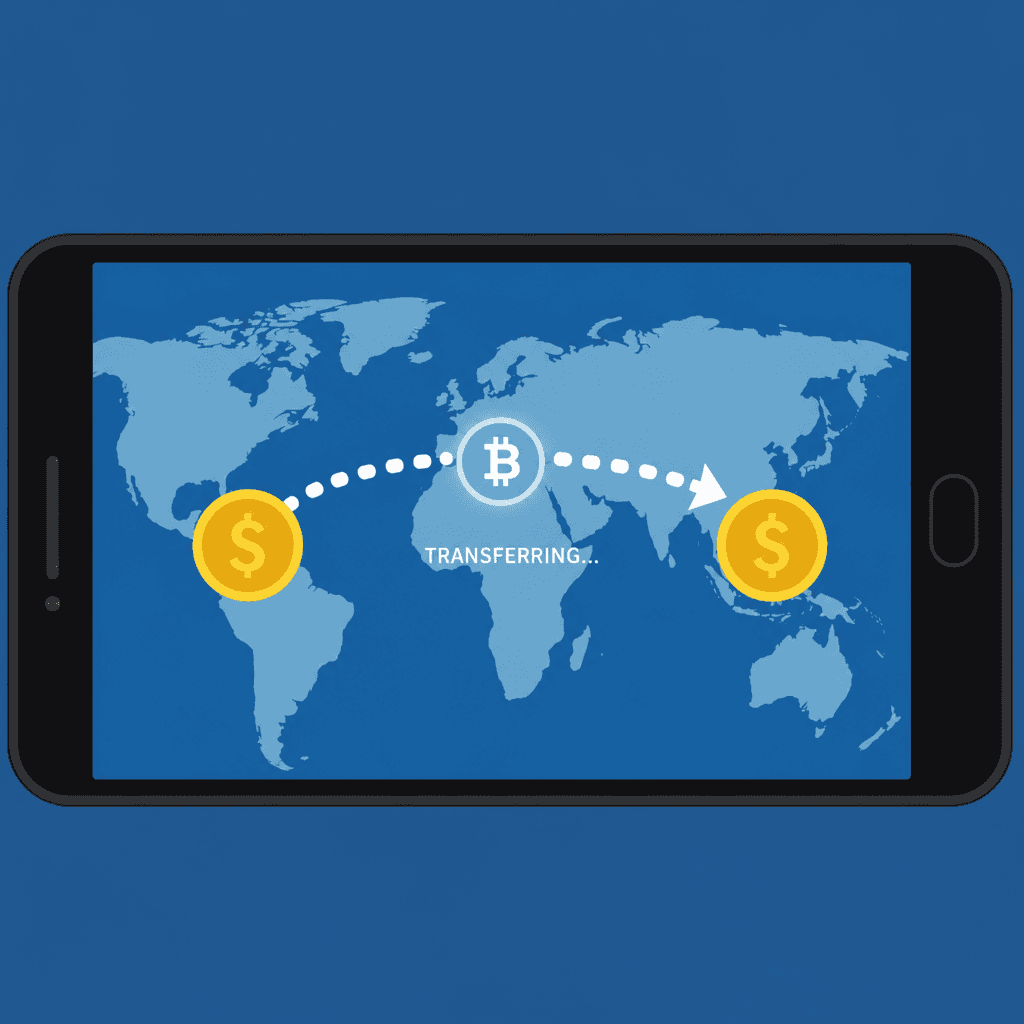
In our highly connected world, you might find yourself needing to pay a freelance designer in another country or send financial support to family overseas. In these instances, you will need a specialized mobile wallet for international transfers. Apps like Wise (formerly TransferWise) or Remitly are optimized for cross-border payments, offering excellent exchange rates compared to traditional banks.
However, convenience often comes at a cost. It is vital to pay close attention to digital payment service transaction fees. While domestic transfers between friends are usually free when funded by a linked bank account, funding a transfer with a credit card or converting currencies will often incur a percentage-based fee. Always review the fee breakdown before hitting “send” to ensure you are keeping as much of your money as possible.
Advanced Features: Getting the Most Out of Your Mobile Wallet
The best mobile wallets offer features that go far beyond simple money transfers, turning your Android device into a comprehensive financial multi-tool.
Accessing Your Money: Speed vs. Cost
When it is time to move your digital app earnings to your actual bank, you will usually face a choice: instant deposit vs standard bank transfer.
Standard Bank Transfer: This is typically free but relies on the ACH network, meaning your funds will take 1 to 3 business days to arrive.
Instant Deposit: For a small fee (usually between 1% and 1.5%), your funds are pushed immediately to your linked debit card, arriving in minutes. This is a lifesaver when you need immediate access to cash for an emergency.
Shopping and Real-World Spending
Many of these financial platforms now offer virtual debit card features. As soon as you open an account, you are assigned a digital card number, expiration date, and CVV. You can use this virtual card to shop online immediately without waiting for a physical card to arrive in the mail.
Furthermore, by adding this virtual card to Google Pay, you can reap the contactless payment technology benefits. NFC (Near Field Communication) allows you to simply tap your Android phone at a checkout terminal to pay for groceries or gas. It is not only faster than inserting a chip card, but it is also highly secure, as the terminal never receives your actual card number.
Bulletproof Security: Protecting Your Digital Wealth
As with any technology that handles money, safety must be your top priority. The convenience of sending money in seconds also means that if you make a mistake, your money can be gone in seconds. Understanding P2P payment platform security is non-negotiable.
Navigating Transactions with Strangers
P2P apps were originally designed for transactions between friends and family. However, people frequently use them to buy items from online marketplaces like Facebook Marketplace or Craigslist. When sending money safely to strangers, you must exercise extreme caution.
Always look for a platform that offers robust mobile finance app buyer protection. PayPal’s “Goods and Services” feature is the gold standard here. If you pay a stranger for an item and they fail to ship it, the buyer protection policy ensures you can dispute the charge and get your money back. Conversely, if you send money via “Friends and Family” or use an app with no protection policy, recovering lost funds is virtually impossible.
Defending Against Cyber Threats
Finally, protecting digital wallets from scams requires a proactive approach. Scammers have become increasingly sophisticated, often using phishing emails or fake text messages warning you of a “compromised account” to steal your login credentials.
Follow these actionable tips to keep your digital cash apps secure:
Enable Two-Factor Authentication (2FA): Always require an SMS code or an authenticator app code in addition to your password.
Use Biometric Locks: Configure your financial apps to require your fingerprint or facial recognition every time the app is opened.
Beware of the “Accidental Transfer” Scam: If a stranger sends you money out of the blue and asks you to send it back, do not do it. Contact the app’s customer support to reverse the transaction. Often, the initial transfer was made with a stolen credit card, and if you send your own money back, you will be left footing the bill when the stolen funds are retracted.
Keep Your App Updated: Developers constantly patch security vulnerabilities. Ensure your Android OS and your apps are always running the latest versions.
Conclusion
Your Android smartphone holds immense potential as an engine for financial growth and management. With money making apps and modern financial apps, that potential is easier to tap than ever. By leveraging the vast ecosystem of gig platforms, rewards programs, and sophisticated digital wallets, you can easily create new income streams and manage them with unprecedented efficiency.
Whether you are splitting a quick lunch bill, exploring side hustles, or navigating international transfers, understanding the features, fees, and security protocols of these apps will ensure you stay ahead in the digital economy. Take control of your mobile finances today, and turn your device into your most valuable financial asset.
Q&A
Question: What kinds of Android apps can actually help me make money, and how do they differ?
Short answer: There are four main paths:
Side hustle and gig apps (e.g., Uber, DoorDash, TaskRabbit) let you trade time for cash with flexible hours.
Rewards and cash‑back platforms (e.g., Rakuten, Swagbucks, Ibotta) give you money back for routine actions like shopping or scanning receipts—great as a supplement, not a full‑time income.
Passive earning and investment apps (e.g., Acorns, Honeygain) require minimal setup and then run in the background to slowly accumulate funds.
App development and monetization let you earn by publishing your own Android apps, using ads, premium downloads, or in‑app purchases.
Question: How can I access and spend my mobile earnings quickly?
Short answer:
First, link your bank account to your digital wallet so you can seamlessly move funds in and out.
When cashing out, choose between a standard bank transfer (typically free via ACH, arriving in 1–3 business days) or instant deposit (arrives in minutes to a linked debit card for about 1%–1.5%).
For immediate spending, use virtual debit card features to shop online right away and add the card to Google Pay for secure, contactless NFC payments—your actual card number isn’t shared with the terminal.
Question: What’s the easiest way to split bills or request money, and are there limits?
Short answer: Use peer‑to‑peer payment apps like Venmo, Zelle, PayPal, or Cash App. They make splitting expenses and sending requests simple and trackable. Be aware that P2P services impose daily/weekly/monthly person‑to‑person transfer limits, which are lower on unverified accounts. Verifying your identity with a government‑issued ID typically raises these caps.
Question: How do international transfers work on mobile, and what fees should I watch for?
Short answer: For cross‑border payments, use specialized services like Wise or Remitly, which generally offer better exchange rates than traditional banks. Domestic transfers funded by a linked bank account are often free, but paying with a credit card or converting currencies usually incurs percentage‑based fees. Always review the fee breakdown before sending.
Question: What’s the safest way to pay strangers and avoid scams on P2P apps?
Short answer: If you’re buying from someone you don’t know, use a platform with buyer protection—PayPal’s “Goods and Services” is the gold standard. Avoid “Friends and Family” for purchases, as it offers no protection. Protect yourself by enabling 2FA, using biometric locks, keeping apps updated, and watching for phishing. If you receive an unexpected “accidental transfer,” don’t send money back—contact the app’s support to resolve it.